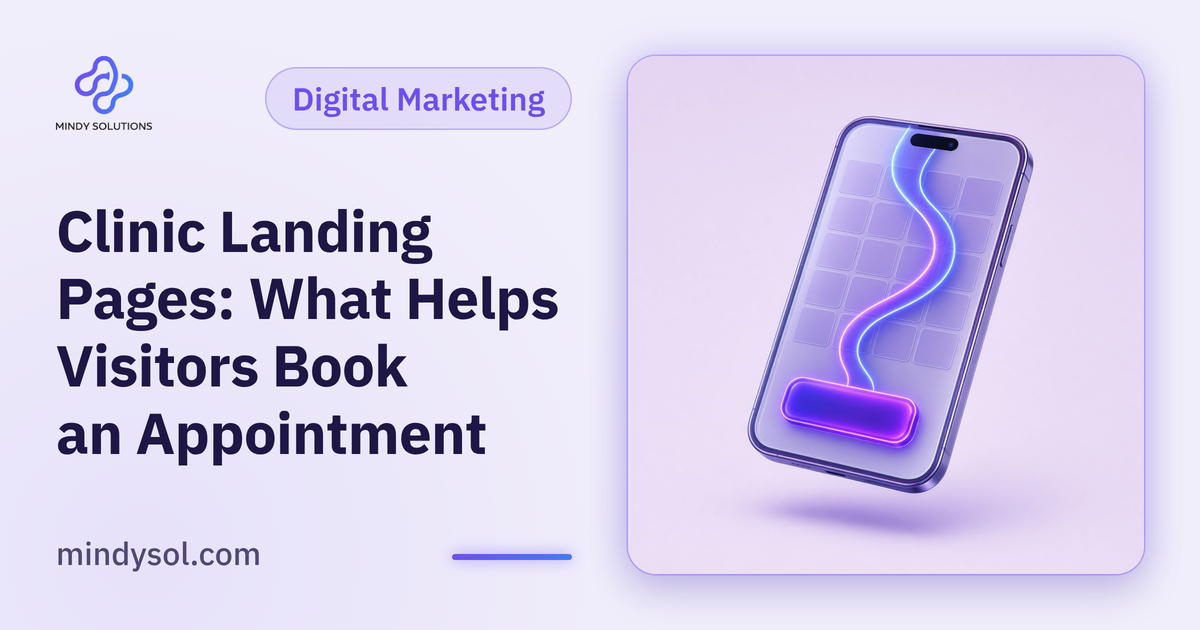
When a clinic runs an ad campaign, all that effort leads to one moment: the click. What happens next decides whether a prospective patient gets in touch or goes back to searching. That's the job of the landing page. Unlike a homepage, it's built for one service, one audience and one action. At Mindy Solutions we've laid out the elements a clinic landing page needs, in the order a visitor actually experiences them.
Why a separate landing page?
A clinic homepage covers everything: services, team, branches, news. That suits people getting to know the clinic. Someone who clicked an ad about a specific service, though, wants that service only, and everything else is a distraction.
A focused landing page explains one service, answers the questions people have about it and leads to a single clear step, getting in touch or requesting an appointment. It serves the visitor better and makes the campaign easier to evaluate.
Above the fold: a clear message in seconds
Visitors decide almost instantly whether a page is for them. At the top they should see the service name, a short line on who it's for and a visible contact button.
Match the ad
Use the same service and wording the ad promised. A mismatch makes people wonder whether they've landed in the wrong place.
A calm, fitting image
Your clinic interior or a simple illustration of the service, with no patients. Calm visuals signal comfort and professionalism.
Explain the service in the patient's language
Next, give a simple picture of the service: what it is, who it suits and what happens from arrival to the end of the visit.
Avoid dense medical terminology, or explain it when you need it. Steer clear of promises about outcomes or treatment times; every case is different, and individual assessment belongs in the clinic.
Trust signals
Introduce the team
A short, clear summary of your doctors' specialties and experience, in line with clinic policy.
Show the space
Photos of the clinic, waiting area and equipment help visitors know what to expect.
Location and contact
Address, map and opening hours, clearly shown, reassure visitors that the clinic is real and nearby.
A focused FAQ section
Every question your front desk hears about this service deserves a place on the page: How should I prepare? Roughly how long is the visit? Do I need an appointment? Which payment methods do you accept?
Answering them up front saves the patient a call, saves your team time and makes the first conversation more focused.
Make contacting you effortless
Repeat the button
Place it at the top, after the service explanation and at the end. People decide at different moments.
Keep the form short
Name, phone number and a preferred time to call. Every extra field adds hesitation.
Offer the channels you can handle
Some people prefer to call, others to message. Offer the options your team can genuinely keep up with.
Speed and mobile experience
Plenty of visitors arrive on a phone after tapping an ad mid-scroll. The page should load quickly, text should be readable without zooming and buttons should be easy to tap. Test it on your own phone before launch and check that tap-to-call works and the form is easy to fill.
After the inquiry
Even the best landing page fails if the patient waits too long for a reply. Decide who handles incoming inquiries, how quickly, and where they're recorded.
A CRM helps the clinic collect inquiries in one place and see the status of each, so nothing slips between messages and calls.
Common landing page mistakes
Talking about the clinic instead of the patient
Opening with the clinic's history pulls attention away from the visitor's real question: is this service right for me?
Cramming in every service
Listing the full menu on a single-service page sends visitors off to search on their own.
Stock imagery
Generic photos don't reflect your clinic. Real photos of your actual space, even simple ones, feel more honest.
Stale details
Old hours or an outdated phone number lose people at the worst moment. Check everything before each campaign.
Checking how the page performs
Track how many people reach the page and how many get in touch, and ask your front desk about inquiry quality. If visitors leave quickly, revisit the top of the page: is the message clear, and does it match the ad?
Change one thing at a time, such as the headline or button placement, and watch the effect. Small, steady tweaks improve the page over time.
Frequently asked questions
Do I need a landing page for every service?
It's best when you run a campaign for a specific service. A dedicated page answers that service's questions and makes each campaign easier to assess.
Can I send ad traffic to the homepage instead?
You can, but it's less focused. Someone who clicked an ad for one service wants to land on that service.
What should a clinic landing page avoid?
Outcome promises, patient photos, long forms and cluttered information that pulls attention away.
How do I make it mobile-friendly?
Short text, light images, large tap-friendly buttons and a direct call button. Test it yourself before launch.
Should I add a video?
A short video introducing the clinic or explaining the visit can help, provided it doesn't slow the page and doesn't show patients.
---
Our team specializes in these services. Get in touch so we can understand your business needs and suggest the right next step.
Our team specializes in these services. Get in touch so we can understand your business needs and suggest the right next step.
💬 Contact us