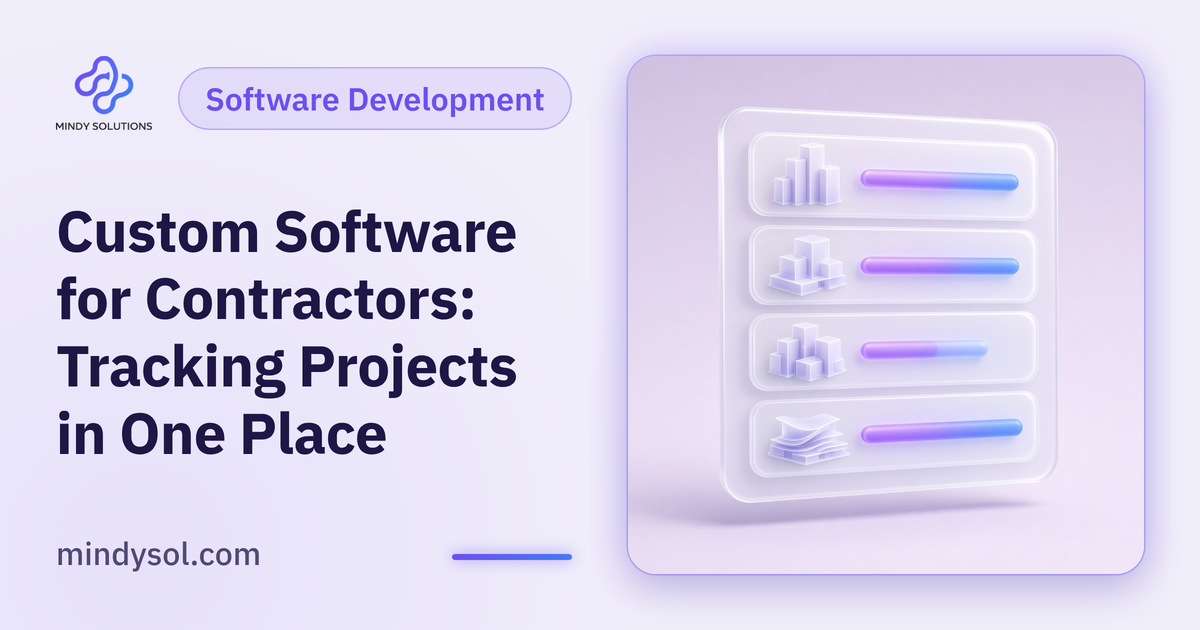
In a construction firm, information lives everywhere: spreadsheets in separate files, photos on supervisors' phones, material requests in chat threads, reports in email and notes in site diaries. When a manager asks something simple, like where a project stands or what the site is missing this week, the answer means calling several people and piecing it together. Construction project management software brings that information into one place. At Mindy Solutions we've outlined when a contractor needs an internal system, what it should include and how to build and roll it out so your team actually uses it.
Signs you need an internal system
Scattered information
Finding project details means digging through files and messages, and the lost time adds up daily.
Slow reporting
Pulling together a weekly report takes a full day of chasing data.
Repeated coordination errors
Duplicate orders, forgotten tasks, late information. Small slips that cost real time on projects.
Growth
What worked in spreadsheets with a few projects breaks down with many sites and teams.
No overall picture
Management can't see every project's status at a glance, so decisions lag.
Off-the-shelf or custom-built?
Off-the-shelf project tools can help at first. But contractors often find their workflow doesn't match: different project stages, specific reporting needs, complex permissions between management, supervisors and subcontractors.
Custom business software is built around how you work, not the other way round. It takes longer to build, but it fits the team, grows with the company and connects to your other systems. The choice depends on how distinctive your workflow is and how you plan to grow.
Understand the workflow before writing code
The biggest mistake is starting development before understanding how work actually flows. Talk to each group:
Management
What information drives decisions? Which reports do they need regularly?
Project managers
How do they plan and track? What wastes their time most?
Site supervisors
What do they record daily? How do they raise requests? What devices do they use?
Procurement and stores
How are materials requested and tracked? Where do errors happen?
Capture it all in a clear requirements document: each stage, who's involved and what information passes between them.
Core modules
Project register
A page per project with key details, phases, team and documents.
Schedule and tasks
Phases broken into tasks with owners, expected dates and clear visibility of delays.
Daily site reports
A simple mobile form for progress, notes and photos that builds a full project record.
Material requests
Raised from site, routed for approval and tracked to delivery.
Documents and drawings
One place for drawings, contracts and correspondence, always on the latest version.
Management dashboard
Every project at a glance: what's on track and what needs attention.
Design for the field
Office staff and site crews will both use the system. Supervisors carry phones, not laptops, often in bright sun or among machinery.
So the site interface must be very simple on mobile: big buttons, short forms, one-tap photo upload and the ability to work offline and sync later. If it's awkward for supervisors, they won't use it, and information drifts back to chat threads and notebooks.
Permissions and security
Not everyone needs to see everything. Set access by role: management sees all projects, project managers their own, supervisors their site, subcontractors only what concerns them. Use a secure connection, regular backups and strong passwords, and remove access immediately when someone leaves.
Connecting to other systems
An internal system works best when it talks to the rest of the business. Linking it with your CRM lets a new project start from the client's details and approved quote instead of retyping them; linking it with finance makes cost tracking easier. Identify key integrations up front so the system is built to support them, even if they come in later phases.
Build in phases
Don't try to build everything at once. Start with the modules that solve the biggest problems, such as the project register and daily reports, launch them and test with the team. Add the rest gradually based on what you learn. Phasing reduces risk, shows value quickly and lets you change course early.
Rollout and training
A good system fails if nobody uses it. Involve users in design from the start and train them on their daily tasks, not every feature.
Pilot it on one project, collect the team's notes and adjust before rolling out more widely. Appoint a go-to person in each team. After launch, watch adoption: are supervisors filing reports, is management using the dashboard? If not, find out why and fix it.
Common mistakes
Coding before understanding
Systems built without understanding the workflow end up rebuilt.
Cluttered interfaces
Too many fields and steps push people away.
Ignoring field users
Supervisors are the main source of information; their experience matters most.
Big-bang launches
Sudden, sweeping change meets resistance. Gradual rollout works better.
Frequently asked questions
Do small contractors need an internal system?
With few projects and a small team, simple tools may suffice. As projects grow, an organized system becomes essential to save time and reduce errors.
How long does it take to build?
It depends on the number and complexity of modules. A phased approach lets the team benefit from early modules quickly.
Will it work on phones?
It must, because site supervisors rely on phones. The mobile interface is one of the most important parts.
What about weak connectivity on site?
The system can be designed to record data offline and sync automatically when the connection returns.
Can it connect to tools we already use?
Often, yes. Identify the integrations you need at the start so the system is built to support them.
Who owns the system and its data?
Agree this clearly with whoever builds it before work starts, covering code, data and backups.
---
Our team specializes in these services. Get in touch so we can understand your business needs and suggest the right next step.
Our team specializes in these services. Get in touch so we can understand your business needs and suggest the right next step.
💬 Contact us