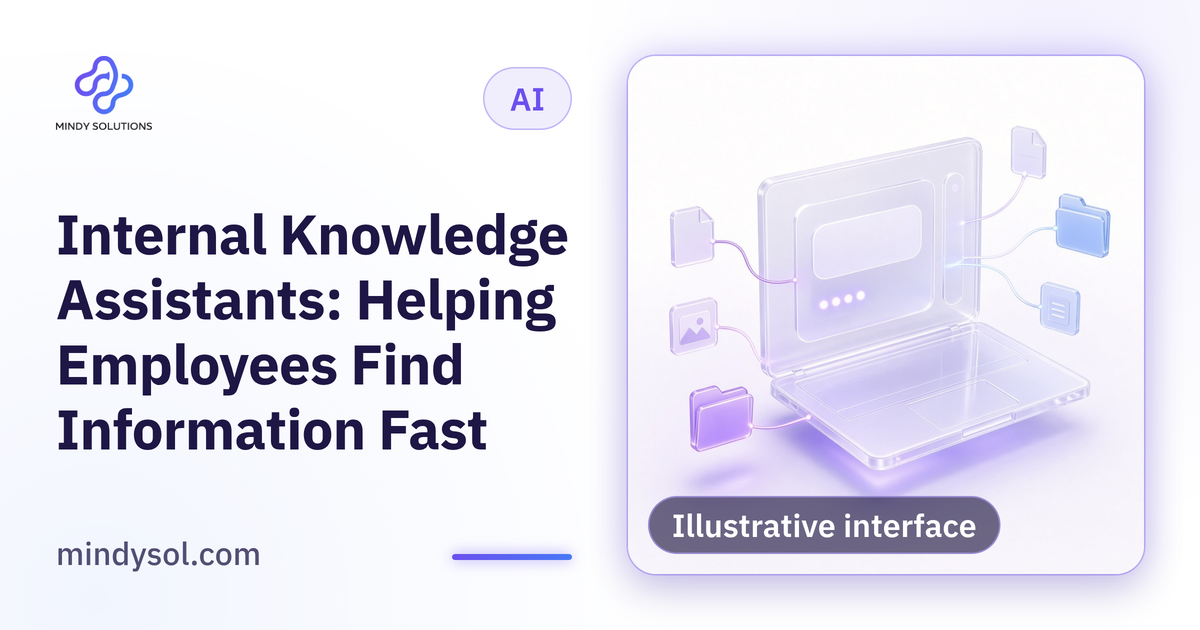
Every company has knowledge scattered everywhere: procedures, internal policies, product guides, templates, customer answers and notes from past projects. An employee who needs something searches shared folders, digs through old messages or asks a colleague, who may be busy or away. New hires struggle more because they don't know where to look. An AI-powered internal knowledge assistant can answer staff questions from approved company documents and point to the source so employees can verify. At Mindy Solutions, here's how we build useful, secure internal assistants.
The problem it solves
Scattered knowledge
Documents in many places with inconsistent names.
Reliance on specific people
Key information held by one employee.
Repeated questions
The same internal queries reaching the same people.
Onboarding
New hires taking a long time to find things.
Conflicting versions
Several copies of one procedure, none clearly approved.
How it works
Approved documents are gathered into one source the assistant reads for every question. An employee asks in plain language, such as "what are the steps for receiving a new order?", and the assistant searches documents, writes a concise answer and links to its source. Citing sources matters: employees can verify, and if an answer is wrong, it's clear where the problem lies.
The foundation: organized, approved content
The assistant answers from the content you give it; outdated or conflicting content produces matching answers.
Inventory documents
Where does knowledge live today?
Choose approved versions
Which copy is correct for each procedure?
Archive the old
So answers don't come from expired information.
Document unwritten knowledge
Turn expertise in people's heads into documents.
Assign owners
Someone responsible for updating each document.
Many companies discover that much of their knowledge was never written down; documenting it is a gain in itself.
Permissions: not everyone sees everything
Some information is sensitive: financial data, personnel files, contracts and management plans. The assistant must respect existing permissions, answering each employee only from documents they're allowed to access. Design this from the start: split content by department, tie permissions to employee accounts and test that nobody reaches what they shouldn't.
Boundaries
When the assistant finds no answer, it says so and suggests who to ask instead of guessing. It doesn't make decisions; questions needing a manager's approval or judgment on a special case go to the responsible person.
Practical uses
Work procedures
Steps for daily tasks.
Internal policies
Leave, expenses and travel as documented by the company.
Product and service details
For sales and support teams.
Approved customer answers
Agreed wording for common questions.
Lessons from past projects
Documented notes for new teams.
Onboarding new employees
New hires have many questions and may hesitate to ask the same person repeatedly. An internal assistant gives them a place to ask without embarrassment at any time. It doesn't replace a mentor or manager, but it handles simple questions and frees mentors for guidance.
Where the assistant lives
A useful assistant sits close to where employees work: inside the company portal or the system the team uses daily. Fewer steps mean more use; if staff must open a separate tool and log in each time, they'll go back to asking colleagues.
Measuring usefulness
Track simple signals: question volume, the share of questions answered, employee ratings of answers and supervisors' observations about the questions still reaching them.
Keeping it current
Knowledge changes: procedures are revised, policies updated, products added. Without updates, the assistant loses value and staff lose trust. Every document needs an owner, every procedural change needs a document update and all content needs regular review.
Learning from questions
Questions the assistant couldn't answer reveal missing knowledge that needs documenting, and frequently repeated questions may reveal unclear procedures that need simplifying.
Organizing access
Organize documents in clear folders by department and topic with consistent names, define who can read each group and log questions and sources so any answer can be reviewed later.
Answer style
Agree on how answers look: concise, clear, in steps when useful and in the employee's language.
Common mistakes
Loading everything unreviewed
Answers from outdated or conflicting copies.
Ignoring permissions
Sensitive information reaching the wrong people.
No source citations
Employees can't verify.
No update process
The assistant goes stale.
Expecting it to know everything
It can't know undocumented knowledge.
Getting started
Pick one department
Such as support or HR.
Review its documents
Approve current versions and archive the rest.
Define permissions
Who sees what.
Pilot with a small group
Collect their feedback.
Expand gradually
Department by department.
Internal assistants with Mindy Solutions
At Mindy Solutions we build internal knowledge assistants: reviewing and organizing content, designing permissions, building the assistant and connecting it to knowledge sources, and setting up updates and monitoring. We start by understanding where your company's knowledge lives today and who needs it, then suggest a suitable department to begin with. More details are on the solutions page of our website.
Frequently asked questions
How is it different from searching folders?
It understands plain-language questions and gives concise answers with sources.
Does every employee see every document?
No. It respects each employee's permissions.
What if it finds no answer?
It says so and points to the right contact.
Does it replace managers or mentors?
No. It handles simple questions and leaves guidance to them.
What's the first step?
Reviewing one department's documents.
---
Our team specializes in these services. Get in touch so we can understand your business needs and suggest the right next step.
Our team specializes in these services. Get in touch so we can understand your business needs and suggest the right next step.
💬 Contact us