Ask a sales manager how the team is doing this month and you may hear something vague: things are moving, we've got plenty of opportunities. That doesn't help anyone decide anything. What a manager needs is a clear picture: how many opportunities exist, where each one stands and where deals get stuck. That picture is what a sales pipeline provides. At Mindy Solutions we've put together a practical look at what a pipeline is, how to define sales pipeline stages that fit your team, and how to use it in daily work and regular reviews.
What is a sales pipeline?
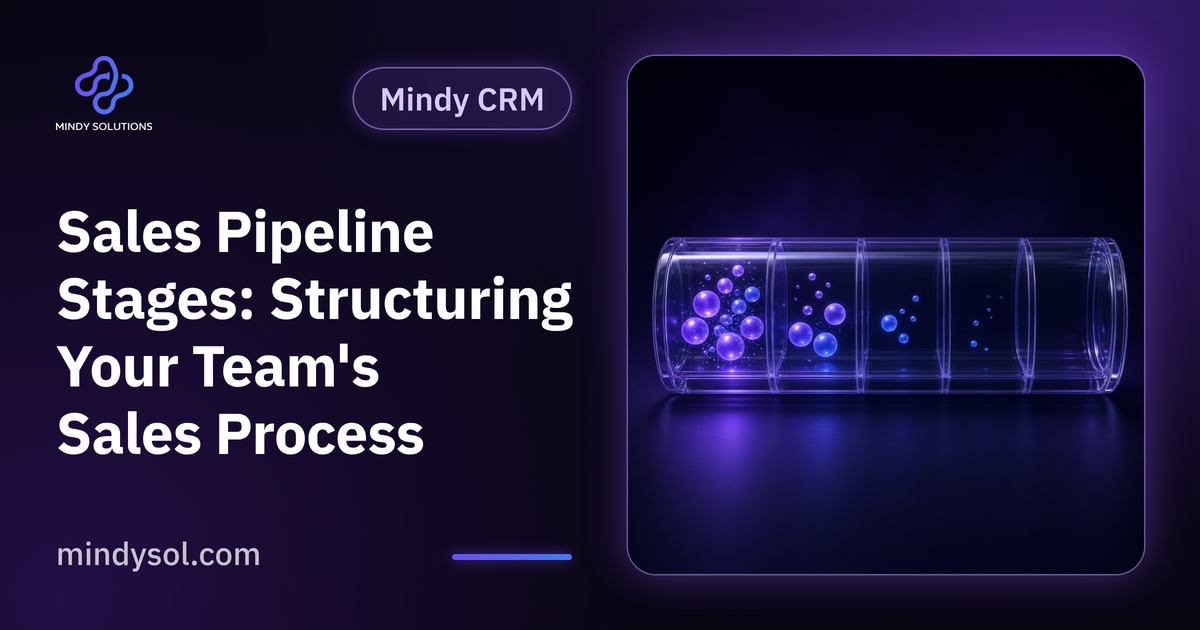
A pipeline organizes sales opportunities by the stage they've reached, from first contact to close. Picture a board with columns, each a stage, and each opportunity a card that moves across as it progresses.
The idea is simple, the effect significant. Instead of scattered lists, everyone sees the same picture. Each person knows what's expected of them, and managers know where to step in. A pipeline isn't a surveillance tool; it helps the team focus on the right opportunities at the right time.
Core stages
Stages vary by business, but this is a reasonable starting point:
New lead
Someone has shown interest but hasn't been contacted yet.
Contacted
First conversation done; understanding of the need has begun.
Qualified
The need is clear and the service is a fit.
Proposal
A proposal matching the need has been sent.
Negotiation
Discussing details and adjustments.
Won
The deal closed and the client moves into service.
Lost
It didn't close, with the reason recorded.
Clear criteria for moving between stages
The biggest mistake is letting each person decide when to move an opportunity. One moves it to proposal after a short call; another waits until everything is certain. The result is a picture nobody can rely on.
Give each stage an agreed entry criterion. For example, an opportunity enters qualified only once you know the service needed and who makes the decision, and enters proposal only once a proposal has actually been sent. Criteria turn the pipeline into a shared language.
How many stages?
Too few stages hide detail; too many confuse the team and make updating a chore. Start with a simple set reflecting the real steps of your sales process and adjust over time. Ask: is this a real step the client goes through? Does the team's work differ here from the previous stage? If not, merge it.
Using the pipeline every day
A pipeline isn't a month-end report; it's a daily working tool. Each morning, salespeople open their opportunities and see what needs action today: a client awaiting a proposal, another needing follow-up after a meeting, a third in negotiation.
Every opportunity should have a recorded next step and date. One without a next step has usually stalled without anyone noticing, so a CRM can highlight opportunities that have gone quiet for too long.
Using it in regular reviews
Sales meetings become much clearer. Instead of everyone recounting events, open the board together and focus on specific questions:
Stalled opportunities
Which have stayed in a stage longer than usual, and why?
Bottlenecks
Where do opportunities get stuck: the proposal, the follow-up or understanding the need?
Loss reasons
What reasons recur among lost deals?
Workload
Is the pipeline balanced across the team?
Common mistakes
Not updating
An outdated pipeline is worse than none because it misleads. Make updates part of daily work.
Keeping dead deals
Opportunities that haven't moved in a long time cloud the picture. Close them with a reason.
Ignoring loss reasons
Without them the team learns nothing from deals that didn't close.
Copying another company's stages
Stages should reflect how you sell, not how someone else does.
The role of a CRM
A simple pipeline can live on a whiteboard or spreadsheet, but as opportunities and people grow that gets hard. A CRM keeps the pipeline alive: moving a card takes one step, dates are logged automatically and every opportunity links to the client record and its history.
Managers can view the whole team's pipeline or one person's, filter by source or service, and pull reports that support decisions without manual compilation.
Getting started
Write down your current sales steps
As they actually happen, not as they're supposed to.
Turn them into stages
Each with a clear entry criterion.
Add open opportunities
Place each in the right stage.
Set next steps
Every opportunity gets a step, a date and an owner.
Review and adjust
After a period of use, revisit stages with the team.
Mindy CRM and your pipeline
Mindy CRM from Mindy Solutions helps teams organize clients and sales in a clear pipeline with stages that match how they work, alongside opportunity and communication tracking and analytics and reports for a full view. It also brings together communication and marketing, finance and operations. We start by understanding how your team really sells, then build the stages around it. More details are on the Mindy CRM page of our website.
Frequently asked questions
How is a pipeline different from a client list?
A client list shows who your clients are; a pipeline shows where each opportunity stands and what happens next.
Is a pipeline useful for small teams?
Yes. Even a team of two benefits from seeing every opportunity clearly and not forgetting any.
How often should it be updated?
Whenever an opportunity's status actually changes, ideally as part of daily work.
Can we have more than one pipeline?
Yes, if different services follow different sales steps, each can have its own pipeline.
When should an opportunity be marked lost?
When it's clear the client won't proceed, or it has stalled for a long time despite follow-up attempts.
Is a pipeline for monitoring staff?
Its main purpose is helping the team focus and follow up, and letting managers offer support where it's needed.
---
Our team specializes in these services. Get in touch so we can understand your business needs and suggest the right next step.
Our team specializes in these services. Get in touch so we can understand your business needs and suggest the right next step.
💬 Contact us