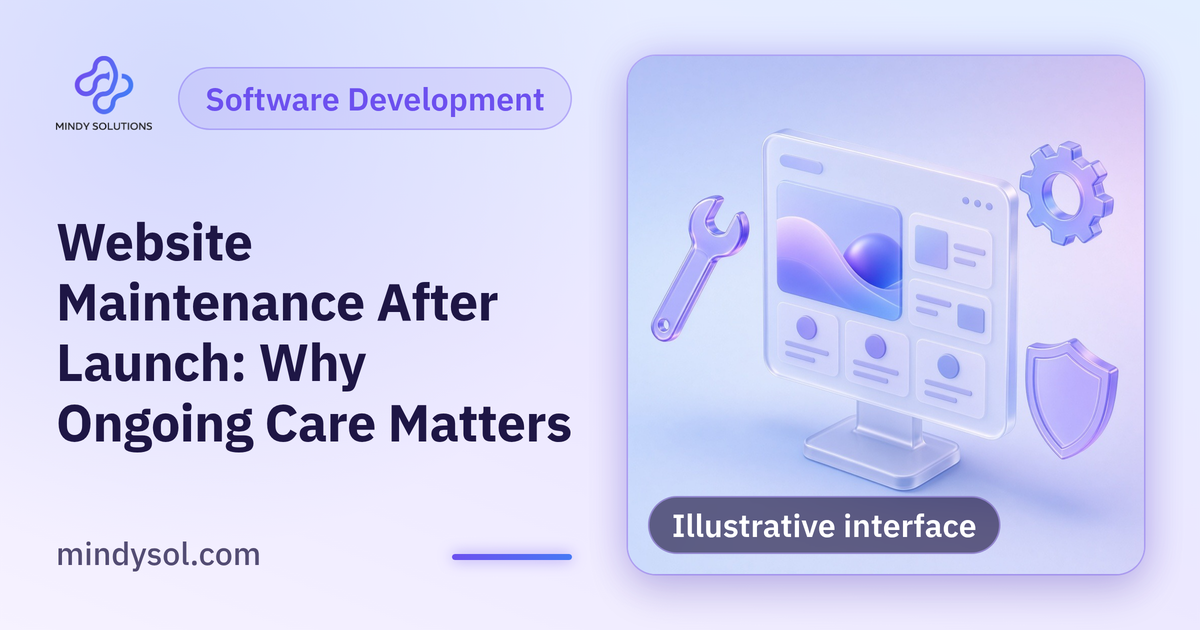
Many companies treat their website as a project that ends at launch. The design is polished and pages are ready, so attention moves elsewhere. Over time, small problems appear: a slow page, a contact form that doesn't send or outdated content about services that have changed. A website, like any important company asset, needs regular care to stay stable, fast and useful. At Mindy Solutions, here's what post-launch maintenance covers, why it matters and how to organize it simply.
Why websites need maintenance
A site relies on many components that change: the content management system, plugins, server-side languages and visitors' browsers. Sites that don't keep up become slower, less stable and more prone to failures.
Your business changes too: new services, new team members, seasonal offers and updated contact details. A site that doesn't reflect these gives customers an outdated picture.
Technical updates
CMS
Core updates to stable releases.
Plugins and components
Updated, or replaced if discontinued.
Server environment
Language and database versions.
Browser compatibility
Working properly on modern browsers.
Component updates
Your site relies on plugins and systems that receive regular updates. Applying them promptly keeps the site stable and working properly.
Backups
Backups are the last line of defense. After a major failure or accidental deletion, a backup restores the site. Backups should be regular, automatic, stored separately from the main server and tested. An untested backup may fail when you need it, so test restores periodically in a staging environment.
Performance monitoring
Speed degrades over time: uncompressed images, new plugins and growing databases. Check key pages regularly, especially on mobile, and address slowdowns by compressing images, cleaning the database and removing unnecessary plugins.
Uptime monitoring
A site down for hours without anyone noticing loses visitors and opportunities. Uptime monitoring alerts the team immediately so issues are fixed before a customer discovers them.
Checking links and forms
Links break over time and forms can stop sending after an update or email change. Regular checks of key links and forms, especially the contact form, protect you from losing inquiries unknowingly.
Content updates
Contact information
Current numbers, addresses and hours.
Service pages
Accurately reflecting current services.
Portfolio
New projects added regularly.
Blog
New articles and refreshed older ones.
Images
Replacing outdated photos.
Search visibility
Maintenance includes watching search visibility: pages with errors, an outdated sitemap or duplicate pages. Webmaster tools reveal these issues.
A change log
Every update or edit deserves a record: what changed, when, who did it and why. When a problem appears, you check the latest change instead of guessing, and new team members or providers understand the site's history quickly.
A staging environment
Major updates shouldn't go straight to the live site. A staging copy lets you test updates before moving them over, protecting visitors from sudden breakage and giving the team confidence to update regularly.
Maintenance versus development
Maintenance keeps the current site healthy; development adds something new such as a section, feature, integration or redesign. Maintenance is ongoing; development is project-based.
Maintenance may reveal the need for bigger work: an outdated system, a design unsuited to mobile or a structure that can't handle growth. Then the choice is between endless patching and a considered rebuild.
Who's responsible?
Define who owns maintenance: an internal team, an external provider or both, with a recurring task list and a way to report issues. Lack of ownership is the main reason maintenance gets neglected.
A suggested schedule
Continuous
Uptime monitoring.
Regularly
Technical updates and backups.
Periodically
Link, form and performance checks.
Routinely
Content updates and search reviews.
Common mistakes
Treating launch as the end
No follow-up afterwards.
Postponing updates
Fear of breakage lets postponed updates pile up.
Untested backups
Discovered useless when needed.
Outdated content
Services and details no longer accurate.
No clear owner
Everyone assumes someone else is handling it.
Getting started
Review the current state
Updates and performance.
Enable backups
Automatic, separate and tested.
Enable uptime monitoring
With team alerts.
Set a maintenance schedule
Clear recurring tasks.
Assign ownership
Internal or external.
Website maintenance with Mindy Solutions
At Mindy Solutions we provide post-launch website maintenance as part of our development services: technical updates, backups, performance and uptime monitoring, link and form checks and development when needed. We start by reviewing your site's current state, then suggest a maintenance plan suited to its size and nature. More details are on the solutions page of our website.
Frequently asked questions
Does a small site need maintenance?
Yes. Every site relies on components that update and needs regular attention.
How regularly should I update?
On a regular schedule, with important updates applied promptly.
Can updates break the site?
They can, so they're tested in staging with a backup before going live.
Do I need an internal team?
Not necessarily. An external provider with clear tasks can handle it.
How do I know if my site needs rebuilding?
When the system is outdated, the design doesn't suit mobile or maintenance has become constant patching.
---
Our team specializes in these services. Get in touch so we can understand your business needs and suggest the right next step.
Our team specializes in these services. Get in touch so we can understand your business needs and suggest the right next step.
💬 Contact us