When a business is small, the owner knows every customer: their name, what they ordered, when they last got in touch. As it grows, customers multiply, conversations spread across staff and channels, and details start slipping. A message goes unanswered, a quote never gets followed up, a customer explains the same request to two different people. That's the problem a CRM solves. At Mindy Solutions we've written this plain-language guide to what a CRM is, what it stores, how it helps different teams and when your business is ready for one.
What CRM means
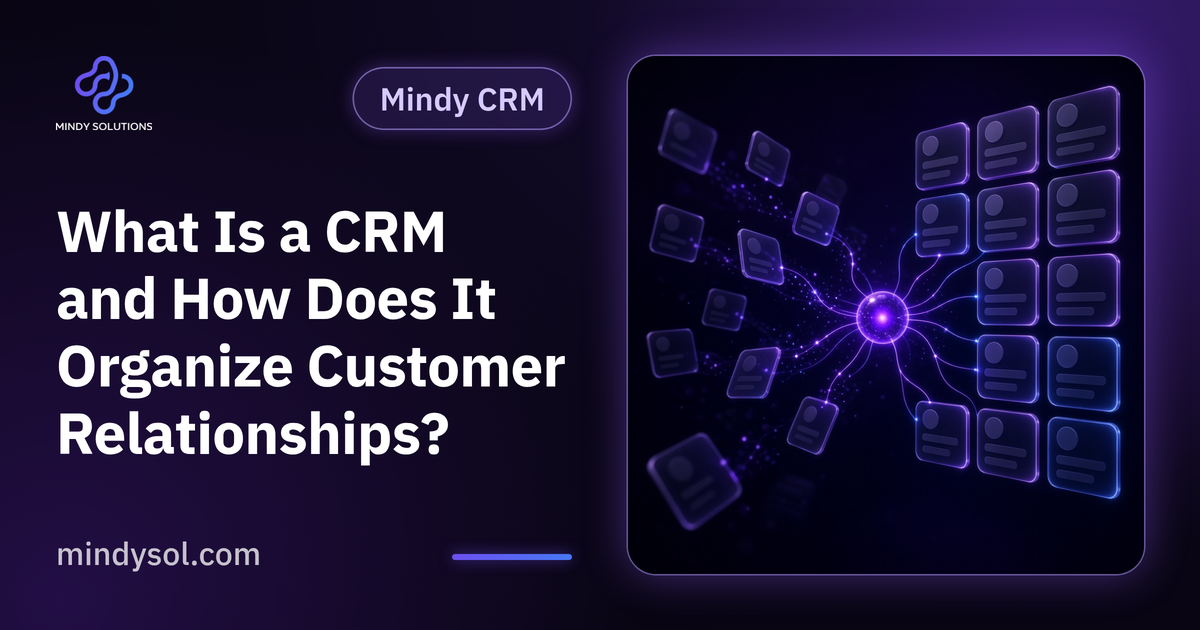
CRM stands for customer relationship management. The idea is simple: instead of customer information living in phones, files, chat threads and people's memories, it sits in one organized place the whole team can reach.
It's more than a digital address book. A CRM records the history of each relationship: when the customer got in touch, what they asked, which offers they received, where their deal stands and who owns the follow-up. Every new conversation builds on the last instead of starting from zero.
What a CRM stores
Core customer details
Name, contact details, company and how they found you: website, ad or referral.
Interaction history
Calls, messages and meetings with brief notes, so anyone can see what happened before.
Opportunities and deals
Each sales opportunity and its stage, from inquiry to quote to negotiation to close.
Tasks and follow-ups
Who's following up, when and what needs doing, so nothing important is forgotten.
Reports
Summaries of customers, opportunities and performance to support management decisions.
How it helps sales
Instead of each salesperson keeping a private list, everyone sees opportunities in one place and knows exactly which follow-ups are due today.
When someone is away or changes role, their customer relationships don't vanish, because the history is recorded. Managers can see where every deal stands and where opportunities are stalling, and step in early rather than discovering problems too late.
How it helps marketing
Marketing needs to know who customers are, where they come from and what they care about. A CRM captures that with every new contact.
With that data, marketing can see which channels bring serious customers, group contacts by interest and send each group relevant content instead of one message for everyone. Coordination with sales improves too, because both teams work from the same information.
How it helps customer service
The worst service experience is having to explain your problem from the beginning every time. A CRM gives the agent a full view of the customer and past interactions before they reply, so answers are faster and more accurate.
Every case is logged and tracked until it's closed, so requests don't sit forgotten. Customers notice the difference and feel remembered.
Signs you need a CRM
Customer details are scattered
Files, phones, messages, notebooks, and finding anything takes time.
Follow-ups get forgotten
A customer asked for a quote and nobody followed up.
The team is growing
Several people deal with customers and don't know what the others have done.
Simple questions are hard to answer
How many opportunities are open? Where do our customers come from? Who haven't we contacted in a while?
Customers repeat themselves
They explain their request to several staff because information doesn't travel.
Getting started
Define the problem
Is it following up on opportunities, scattered data or team coordination? Start with the biggest issue.
Map your sales stages
Write down the stages a customer passes through, from first contact to close; the system will be built on them.
Clean your data
Gather existing customer records, remove duplicates and standardize formats before importing.
Train the team
A CRM is useless if nobody uses it. Train people on their daily tasks and show how it helps them personally.
Start simple
Switch on the essentials first and add more as the team settles in.
Common mistakes
A system nobody uses
Buying a CRM the team finds confusing or pointless.
Too many fields
Demanding lots of information per record discourages logging. Ask only for what you need.
Stale data
A CRM loses value if records aren't kept current. Make updating part of the daily routine.
Treating it as a sales-only tool
Marketing, service and management benefit too. Involve them from the start.
Mindy CRM from Mindy Solutions
At Mindy Solutions we developed Mindy CRM to help businesses organize customer relationships in one place. It brings together customer and sales data, supports communication and marketing, covers aspects of finance and operations, and offers reports that give management the full picture.
Every business has different needs, so we always start by understanding how you work before suggesting anything. You'll find more detail on the Mindy CRM page of our website.
Frequently asked questions
Is a CRM suitable for small businesses?
Yes. It helps organize relationships from the start, before data piles up and becomes hard to sort.
How is a CRM different from a spreadsheet?
A spreadsheet stores information. A CRM records relationship history, assigns tasks, organizes follow-ups, produces reports and lets several people work on the same data in an organized way.
Does it require technical skills?
A good CRM is easy for everyday users after brief training. Initial setup may need help from the provider.
How long does implementation take?
It depends on business size, data volume and number of users. Starting with core features shortens the process.
Can it connect to our website?
Often, yes, so website form submissions flow straight into the CRM without manual entry.
Who uses it inside a company?
Sales, marketing, customer service and management, each according to their role and permissions.
---
Our team specializes in these services. Get in touch so we can understand your business needs and suggest the right next step.
Our team specializes in these services. Get in touch so we can understand your business needs and suggest the right next step.
💬 Contact us